The story behind nvk.tools
nvk.tools is a suite of Reaper tools for creating, editing, varying, rendering, and delivering game audio. They are designed to work together and use the same conventions throughout.
Created by sound designer and audio director Nick von Kaenel.
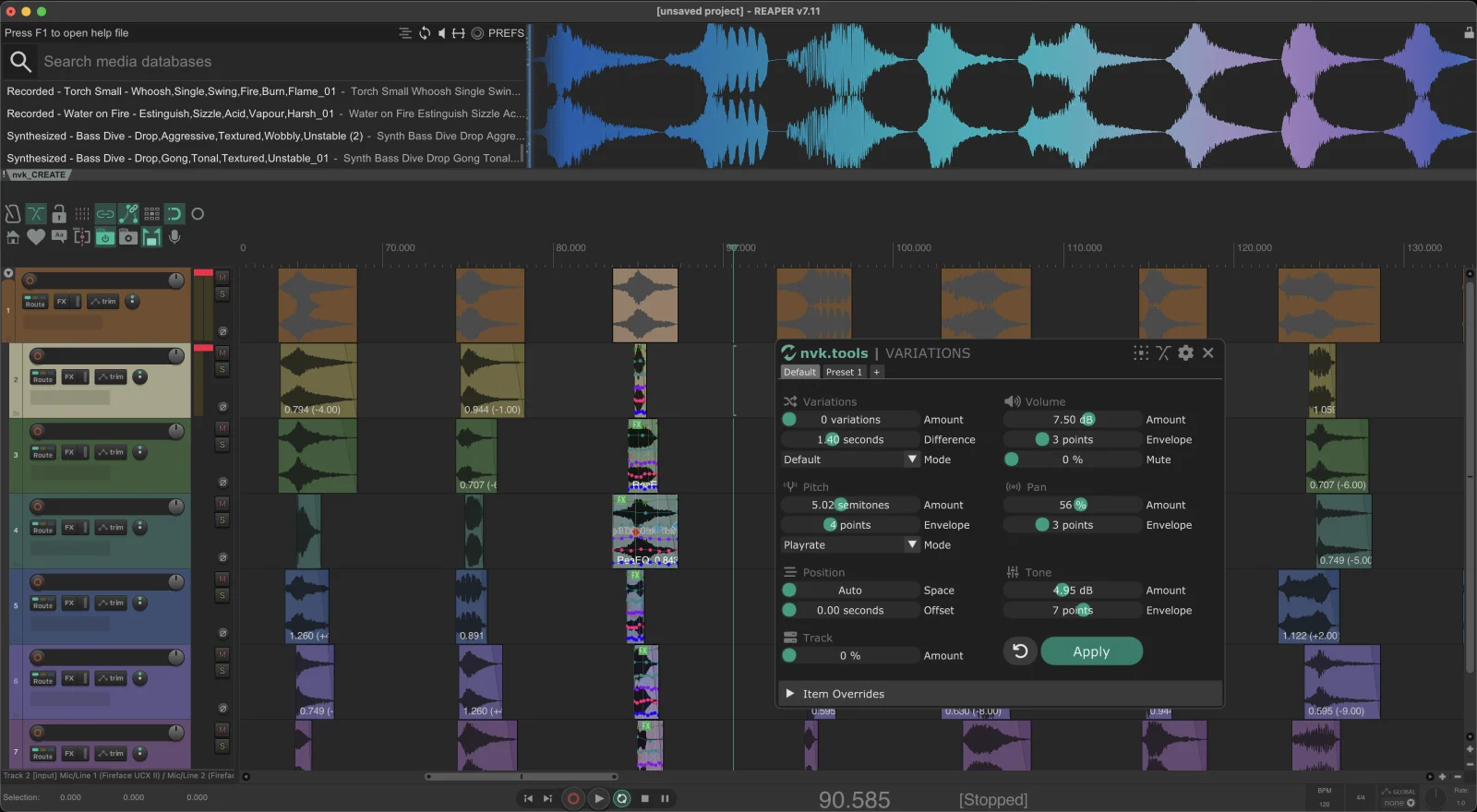
Designed as one system.
Each tool handles one part of production, and they share conventions, so work made in one is ready for the next. A few of the places they meet:
With Auto-trim on, nvk_CREATE adds a take marker at the first peak of each take as layers land, so nvk_TAKES can step through them with Select next/previous take SMART.
nvk_FOLDER_ITEMS to nvk_AUTODOPPLER
Select a folder track and nvk_AUTODOPPLER averages the peaks of every layer beneath it, so a stacked pass gets one doppler move instead of one per item.
nvk_FOLDER_ITEMS to nvk_SEARCH
nvk_SEARCH indexes folder items alongside actions, FX, and regions. Type d to filter to folder items and jump straight to an asset.
nvk_THEME colors tracks by folder hierarchy and includes an nvk_FOLDER_ITEMS Track Toggle, so the folder structure the scripts rely on reads at a glance.
Why these tools exist.
These tools began as scripts made to solve repetitive problems that came up during game audio work. What started as a personal toolkit became a free community project, then nvk.tools as more people asked for new features and ongoing support.
The goal is still simple: spend less time on setup and repetitive tasks, and more time making and delivering sound.
“nvk_WORKFLOW, as the name implies, is central to my Reaper workflow. It has made editing, rendering and making variations so much faster for me.”
 Mark KilbornInteractive Audio at Skywalker Sound
Try them in your own sessions.
Every paid script includes a free 14-day trial. The walkthroughs on YouTube show each tool at work in Reaper.